
Key Things to Know:
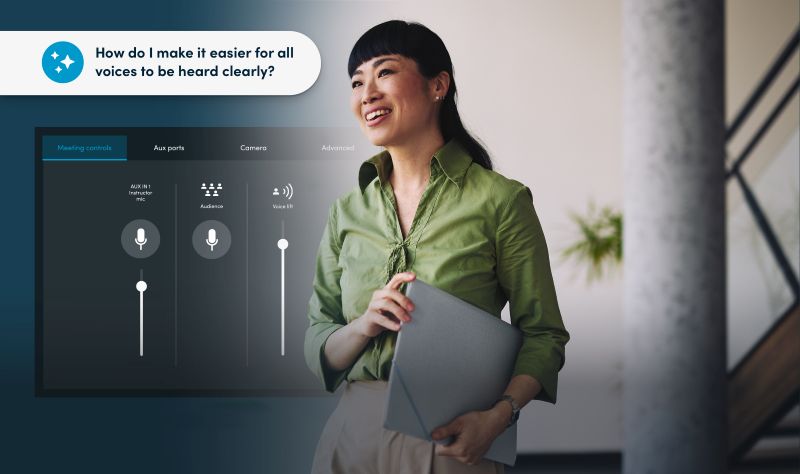
- Nureva Inc. introduces Room Assistant, an AI-powered chat feature now available in beta for Nureva Console.
- The tool uses natural language processing to help IT and AV teams tap into Nureva’s knowledge base through text-based chat.
- Room Assistant aims to cut the time teams spend searching documentation and offers a clear path to support.
- The beta is free, and customers can register on Nureva’s website.
- Room Assistant is the first step in Nureva’s roadmap toward an agent-based intelligent platform.
What Is Nureva Room Assistant?
Nureva Room Assistant is an AI-powered chat feature that brings natural language processing to Nureva Console, the device management and monitoring platform for Nureva audio systems. The Calgary, Alberta-based company, describes it as the first feature in a broader plan to add room intelligence across its audio systems. Now in beta, Room Assistant gives IT teams a faster way to ask product-related questions and get answers grounded in Nureva’s own source content.
How Does Room Assistant Work?
Room Assistant works through a text-based chat embedded directly within Nureva Console. Teams managing Nureva devices type questions in plain language and receive responses drawn from Nureva’s knowledge base. The feature reduces the hours integrators and IT staff often spend digging through documentation, and it points users to support when a question calls for more help.
Who Benefits From Room Assistant?
IT and AV teams that manage collaboration spaces stand to benefit most from Room Assistant. These are the professionals responsible for keeping meeting rooms, classrooms, training spaces and divisible rooms performing reliably day-after-day. Traditional room-management tools often hand teams raw data and leave them to interpret it, so a chat tool that surfaces trusted answers quickly speaks directly to that daily workload.
Why Did Nureva Build Room Assistant?
Nureva built Room Assistant to address the growing pressure on teams that support hybrid meeting rooms and classrooms. As organizations deploy more connected spaces, dashboards and alerts alone don’t give teams the fast, trusted information they need to understand what’s happening and decide what to do next.
“IT and AV teams are under pressure to keep every collaboration space performing reliably, but traditional room-management tools often leave them to interpret data and search for answers on their own,” says Nancy Knowlton, Nureva’s CEO. “Room Assistant is an important first step in bringing AI-powered room intelligence to Nureva Console, giving teams faster access to trusted knowledge today while laying the foundation for more intelligent, connected and automated experiences across Nureva Console, the Nureva App and our audio systems.”
What’s Next for Nureva Console?
Nureva Console is moving beyond cloud-based device management toward an agent-based intelligent platform for overseeing collaboration spaces. Together with the Nureva App, the platform already supports the full device life cycle, from deployment and setup to daily use, remote management and ongoing support.
Nureva says future plans for Room Assistant include voice-based interaction, augmented room insights, intelligent optimization and automated diagnostics. Those additions aim to help teams identify issues before they affect meetings and classes, recommend next steps and support continuous improvement across their spaces.
How Can You Join the Beta?
IT teams can join the Room Assistant beta by registering on Nureva’s website. The beta is available at no charge, and participants can share feedback that helps shape future functionality in Nureva Console.
If you enjoyed this article and want to receive more valuable industry content like this, click here to sign up for our digital newsletters!








Leave a Reply